

A delay step pauses the Automation for a specified duration before continuing to the next step. Common use cases:Documentation Index
Fetch the complete documentation index at: https://resend.com/docs/llms.txt
Use this file to discover all available pages before exploring further.
- Email sequences — Space out emails in an onboarding series.
- Cooldowns — Prevent sending too many emails in a short period.
- Follow-ups — Give users time to take action before sending a reminder.
How it works
- Using the dashboard
- Using the API
You can configure a “Time Delay” duration using natural language.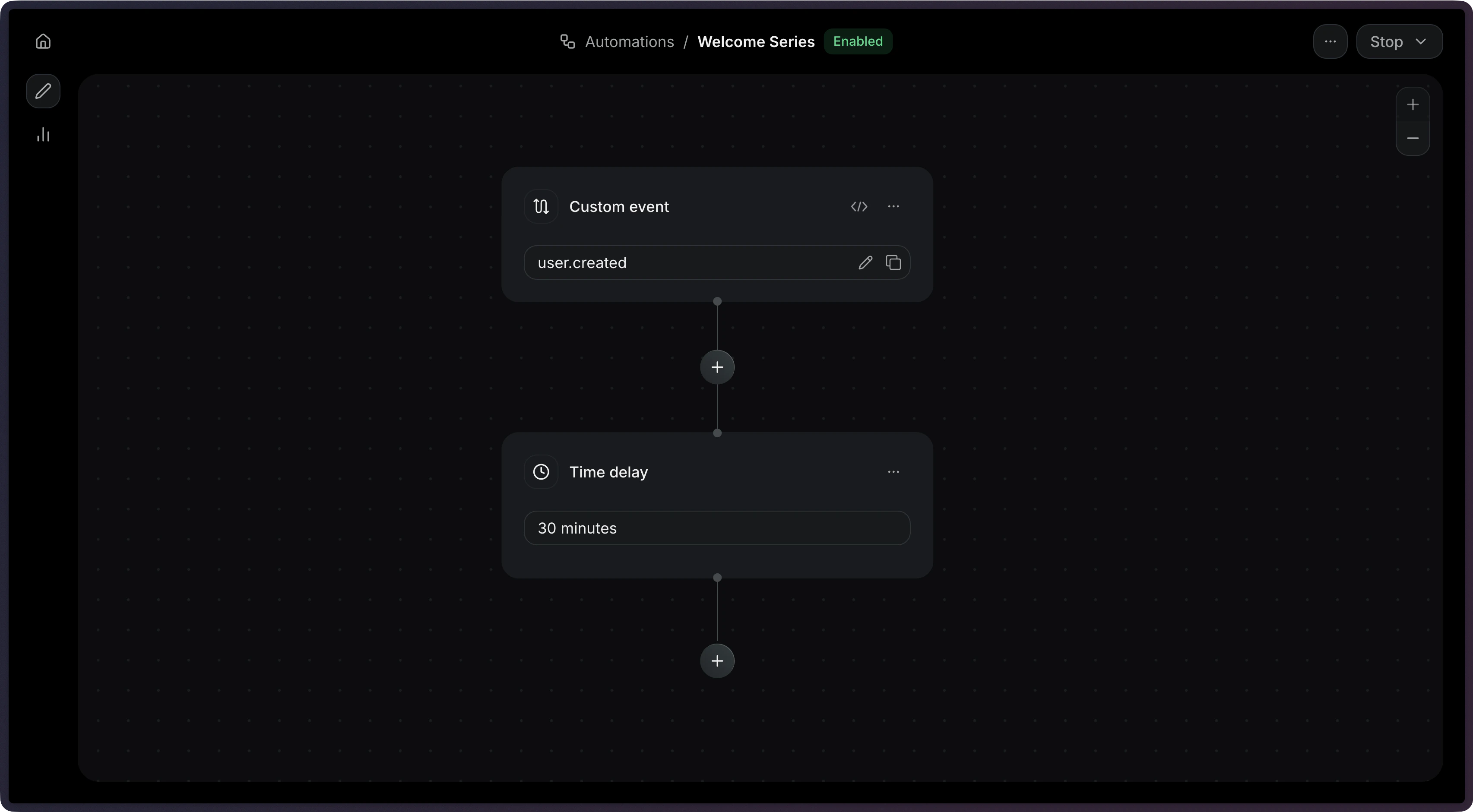
The maximum delay is 30 days.
Configuration
The delay duration in natural language (e.g.
"1 hour", "3 days"). Maximum:
30 days.Example